As an Amazon Associate we earn from qualifying purchases. Links below are affiliate links. Check the exact variant, delivery and current availability before ordering.
Buy the device only if you want the ownership routine
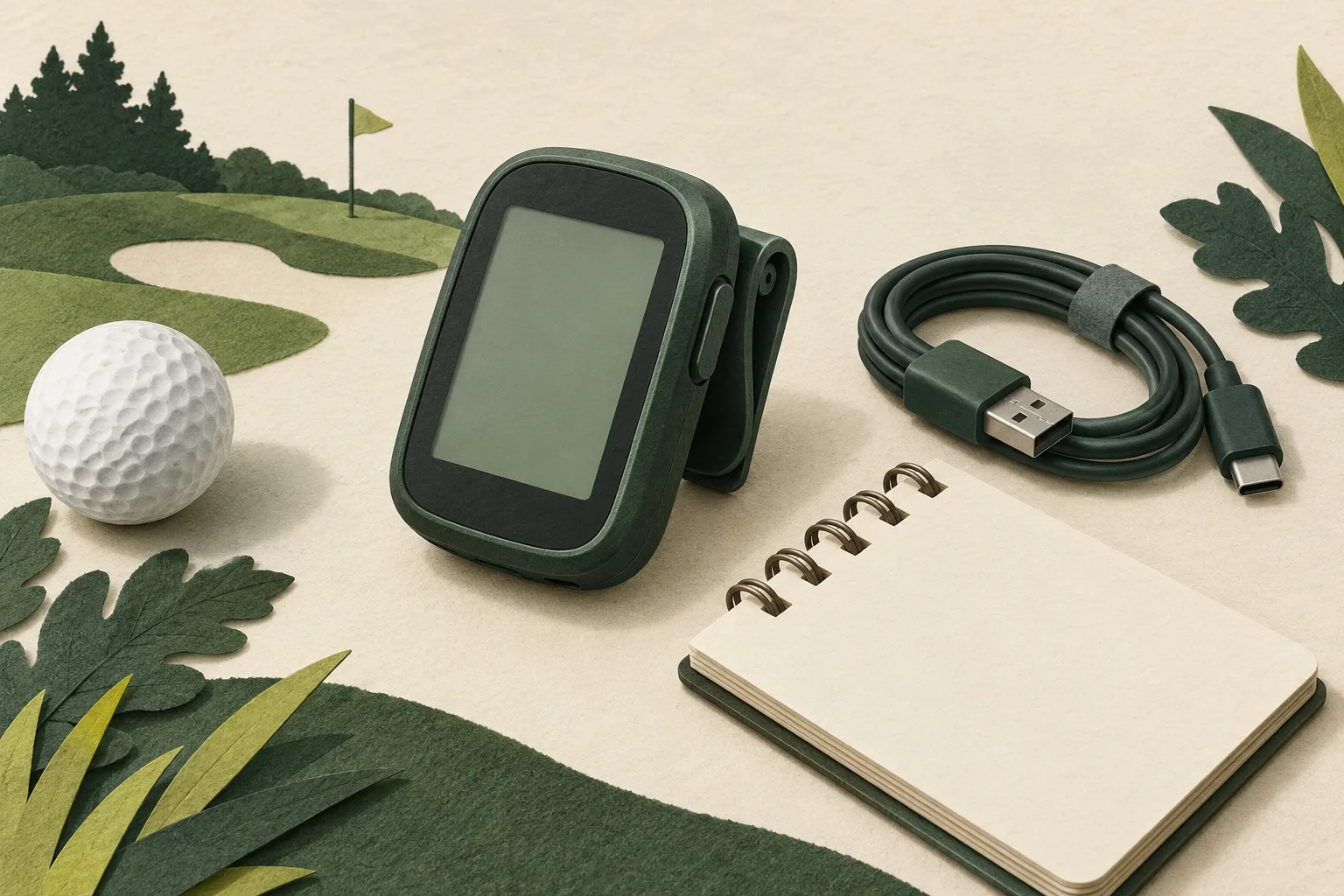
The selected model is the Black Garmin Approach G12, part 010-02555-00. Consider it when you want a dedicated clipped yardage device and are willing to keep a separate charge and update routine. Skip it if you want a wrist display, an automatic actual-flag measurement, or your existing method already meets your needs. Before ordering, write down which existing problem this device would solve and how you will keep it ready. Leaving either answer blank is a reason to postpone, not to add accessories.
Set preferences before pairing
Start with the setup you can maintain between rounds. Choose your preferred distance units on the G12 and make the Garmin Golf account use the same units. Garmin's manual warns that mismatched device and account preferences may overwrite the device setting during sync. Decide whether you want connected features before adding the phone; this keeps the first setup deliberate instead of trial and error.
Pair from Garmin Golf, not the phone settings
For connected features, Garmin instructs owners to pair through the Garmin Golf app rather than the phone's system Bluetooth menu. On the G12, press OK, choose Settings, then Pair Phone; in Garmin Golf, add the device and follow the prompts. Pairing is a setup choice for connected features, not the reason to buy if your current app or yardage method is already enough.
Know the two course-update paths
When connected to a paired phone, the G12 can update the courses you use most frequently. Garmin also documents a computer route: connect by USB and use Garmin Express for software or course updates. If course data is missing after an update was interrupted or canceled, repeat the course update, disconnect safely, go outdoors and start a test round to check for nearby courses. Treat this as a recovery checklist, not a promise that every update issue has one cause.
Learn the controls and readout limits
The G12 has four buttons. OK starts a round and opens choices; BACK returns to the previous screen, while the arrow buttons move through menus and course features. You can set screen orientation to Normal or Flipped. The green view reports front, middle and back distances rather than the changing pin location; you can move the flag manually for the current round.
Keep charging contacts and storage in mind
Before charging or connecting the device to a computer, Garmin says to clean and dry the contacts and the surrounding area. For storage over several months, the manual says to charge to at least 50%, keep the device in a cool, dry place, and recharge fully before use. These are simple care steps to build into ownership; they are not a performance claim.
Use a readiness note before your next round
Write down five checks: preferred units; whether Garmin Golf pairing is intentional; whether your usual course appears; your phone or USB update path; and whether charging contacts are clean and dry. Resolve any blank before leaving home. The G12 is a sensible buy only if you want this dedicated setup and will keep its routine current. If your current app and yardage process meet your needs, no purchase is necessary. For the separate wrist-versus-clip carry decision, see the carry guide.
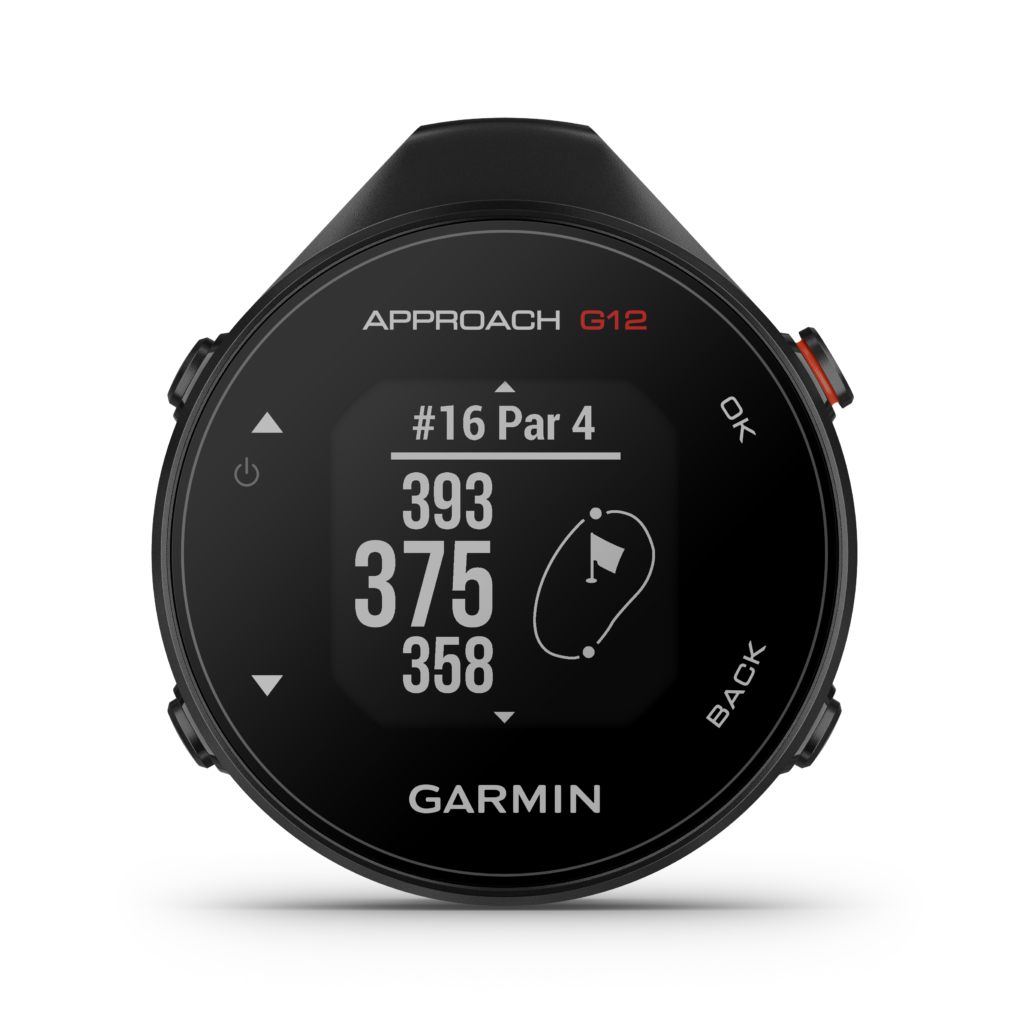
Black • 010-02555-00
Garmin Approach G12
A clip-on golf GPS for golfers who prefer mapped yardages away from their wrist.
- Compatibility
- Check your courses are mapped. Clip-on GPS green distances are not automatically the actual flag; connected features use Garmin Golf.
- Ownership cost
- Rechargeable device; follow the charging and care instructions. Optional CT10 sensors are separate, not required for basic yardages.
ParteeTime may earn a commission from qualifying retailer links. Editorial recommendations remain separate from retailer data.
Still deciding between a pocket unit and a watch? Our handheld GPS versus watch guide covers that separate carry choice and also contains affiliate links. Keep your current method if it works; the setup checks here are not a reason to buy a second device.
Can I pair the G12 from the phone's Bluetooth settings?
Garmin's instructions say to pair through the Garmin Golf app instead. On the device, choose OK, Settings, then Pair Phone, and finish from the app.
What should I try if a course is missing?
If course data is missing after an interrupted or canceled update, Garmin documents repeating the course update through Garmin Express, disconnecting safely and testing outdoors. This does not diagnose every missing-course problem.
Does Green View show the exact flag distance?
No. The screen gives front, middle and back distances; the pin can be moved manually for the current round.