Start with the measurement target
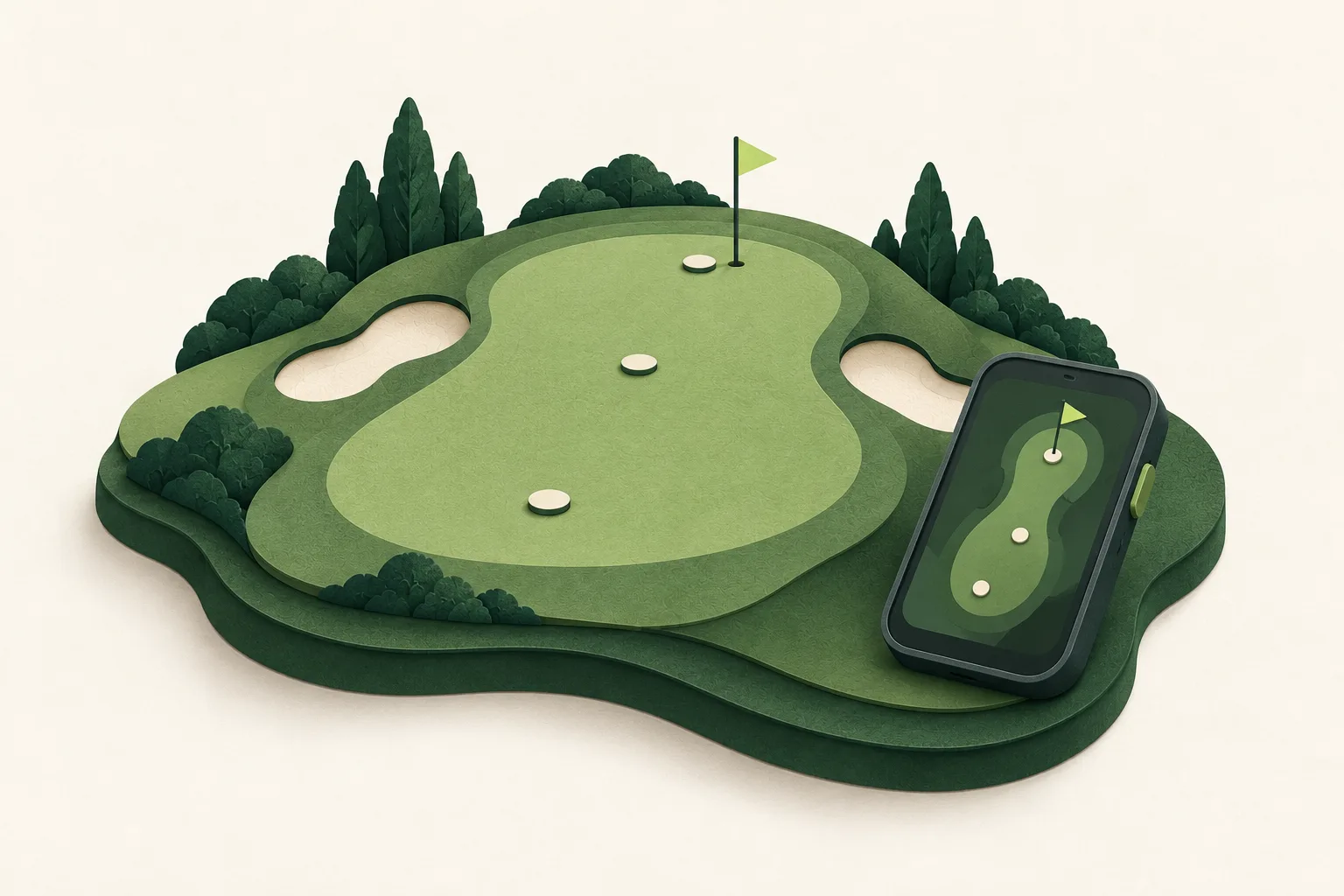
Two screens can show different yardages because they may be measuring to different points. In the Garmin Approach G12 and S12 examples, the default green view gives front, middle and back distances, not a live measurement to the actual pin. Both manuals describe manually moving the flag, with its location saved only for the current round. This is your chosen position, not automatic detection of today's flag.
Before comparing readings, identify the label or target on each screen. A front-green distance and a manually placed pin estimate are not like-for-like.
Match units, course and hole
Check that both devices use the same distance units, and confirm each is on the intended course and hole. A wrong hole or course changes the point being measured, so it is an early setup check—not evidence of a faulty receiver. Garmin's G12 instructions also note that device and Golf account unit preferences should match; syncing can overwrite the device preference with the account setting. Check the relevant manual for the particular device rather than assuming every golf GPS uses the same menus.
Compare from the same place
Stand at the same spot, or as close as practical, and compare the same target. Note where you took each reading rather than treating readings taken at different standing points as a controlled comparison. If one device is still acquiring satellites, wait until it indicates that it is ready before recording a comparison. Avoid changing target, position and settings all at once; otherwise the result will not tell you which difference mattered.
Check the view of the sky
For the G12 and S12, Garmin's manuals direct owners to acquire signals outdoors in an open area, with the front of the device toward the sky. Their reception guidance also says to move away from tall buildings and trees. Follow your own model's instructions before recording another comparison. This is a setup check, not a promise that readings will become identical, and we have not measured either device's accuracy.
Use course data as a final check
If the selected course or hole is unclear, consult the device's model-specific course-data and update instructions. Treat this as a final setup check, not a guaranteed cure for a yardage difference. An update alone cannot make two different targets or standing locations equivalent. Detailed update steps belong in the device's support material; a discrepancy is not a reason to reset or erase it speculatively.
Keep a brief discrepancy log
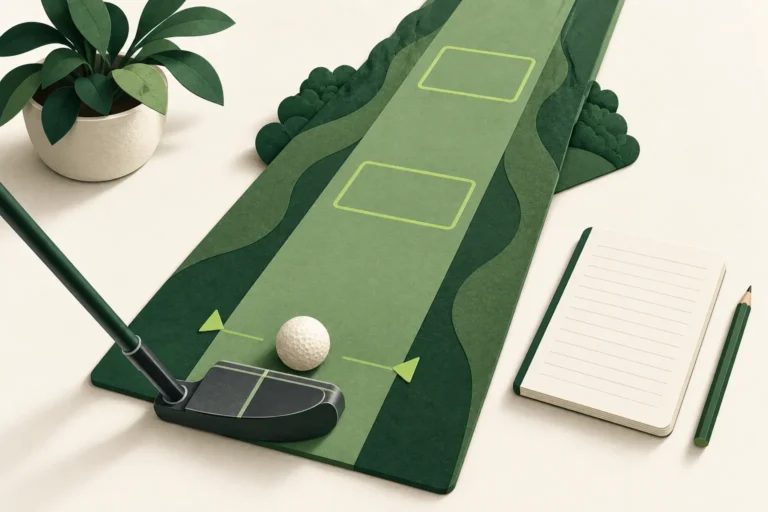
Record the date, device and model, displayed target, units, course and hole, approximate standing point, and whether satellite acquisition was complete. Add the two displayed values without labelling either the true value. Repeat once with those conditions aligned.
Keep the original note and write the repeat underneath it, changing one item at a time where possible. That preserves what you actually compared. If the difference remains confusing, share the notes with the manufacturer's support team and ask what to check next. A single mismatch is not a reason to replace a working device. If your current routine provides a usable target for your game, no purchase is needed.
Disclosure: the linked buying guide contains affiliate links. As an Amazon Associate, we earn from qualifying purchases. This checklist has no direct product purchase links.
Change the method only if your target requires it
Keep your existing device if its mapped-green distances meet your need. If the missing piece is measuring to the actual flag rather than a mapped green point, our rangefinder-versus-GPS buying guide explains that method choice. It is not a repair recommendation or a reason to replace a working device.
Should I compare front, middle or back with the pin?
Compare the same target. Garmin's G12 and S12 default green view reports front, middle and back; a manually moved flag is a user-set position for that round, not a live pin measurement.
What should I check before blaming signal reception?
Confirm the same units, course, hole, target and standing location first. For these Garmin examples, also follow their outdoor satellite-acquisition instructions.
Should I buy a replacement if readings still differ?
Not based on one comparison. Keep a short log under matched conditions and ask the manufacturer about the specific device before considering a purchase.